Baron — A biplane in every browser
Take off, explore a procedurally generated world and land it in one piece. Pick a biplane, turboprop or jet in the hangar. Free, built with DAI Studio.
Take off, explore a procedurally generated world and land it in one piece. Pick a biplane, turboprop or jet in the hangar. Free, built with DAI Studio.
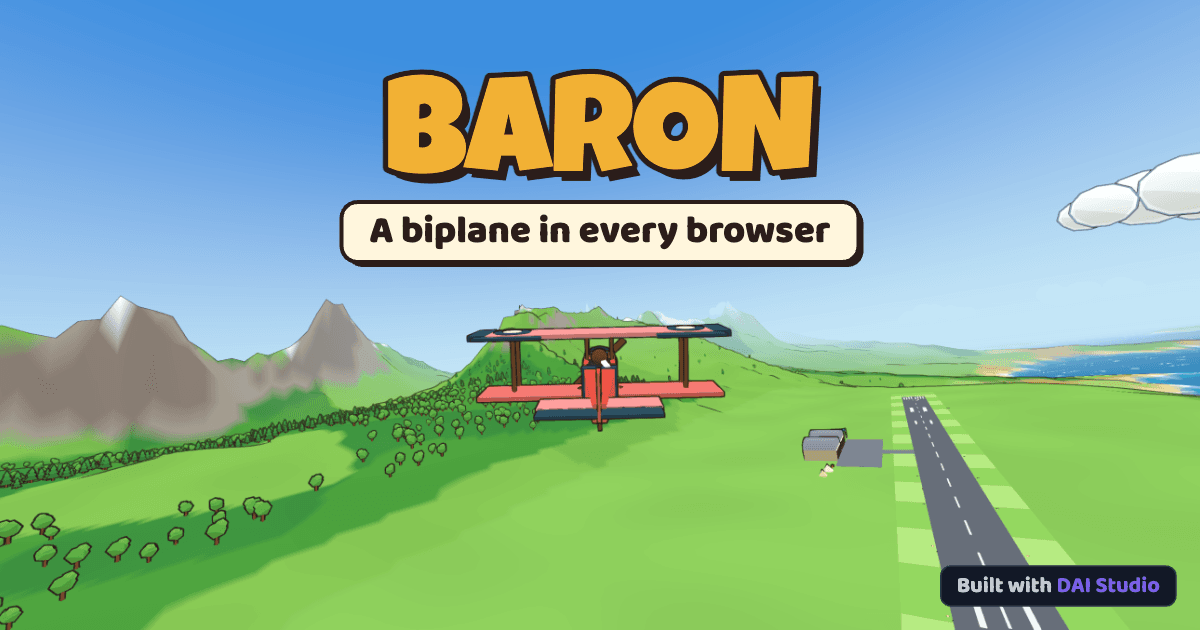
Take off. Explore. Land it in one piece.
Mission
Flying
World seed
Graphics
Aircraft
Controls| Fly | Left thumb: drag anywhere on the left half (drag down to climb) |
| Throttle | Lever on the right edge (double-tap = idle) |
| Flaps | FLAP + / FLAP − (UP, T/O, LAND) |
| Brakes | Hold BRAKE |
| Rudder | Automatic (the stick steers on the ground) |
| Camera | CAM (chase / cockpit) |
| Bail out | Hold BAIL for a second |
| Pause | ❚❚ top-left |
| Tilt | Pause → Steer by tilting |
| Pitch | W / S or ↑ / ↓ (S pulls up) |
| Roll | A / D or ← / → |
| Rudder | Q / E |
| Throttle | Shift / Ctrl (or 1–9, 0 = full) |
| Flaps | F more / V less (UP, T/O, LAND) |
| Brakes | B |
| Camera | C (chase / cockpit) |
| Mouse stick | M toggles |
| Bail out | |
| Destination | ← / → on the menu (Cross-country) |
| Pause / Restart | Esc or P / R |
| Gamepad | L-stick fly, R-stick X rudder / Y throttle |
← → category · ↑ ↓ choose · drag to look around · Esc back
Tap a tab and a card · drag the plane to look around
Volume
Camera shake
Invert pitch
Steer by tilting
Your browser or graphics driver doesn't support WebGL 2. Try the latest Chrome, Edge, Firefox or Safari, and make sure hardware acceleration is turned on.
The browser reset the graphics context. Hang on, restoring…
Texto de baron.by.dai.studio tal como lo publicó, leído de su página y mostrado aquí con el formato de El Autómata. El original, en baron.by.dai.studio · Volver a la noticia de El Autómata