Smart home devices should work without the internet
Rule one is that nothing in my house needs a vendor's server to work. The rest of the rules I follow after ten years of home automation, plus both talks I gave on it, slide by slide.
Rule one is that nothing in my house needs a vendor's server to work. The rest of the rules I follow after ten years of home automation, plus both talks I gave on it, slide by slide.
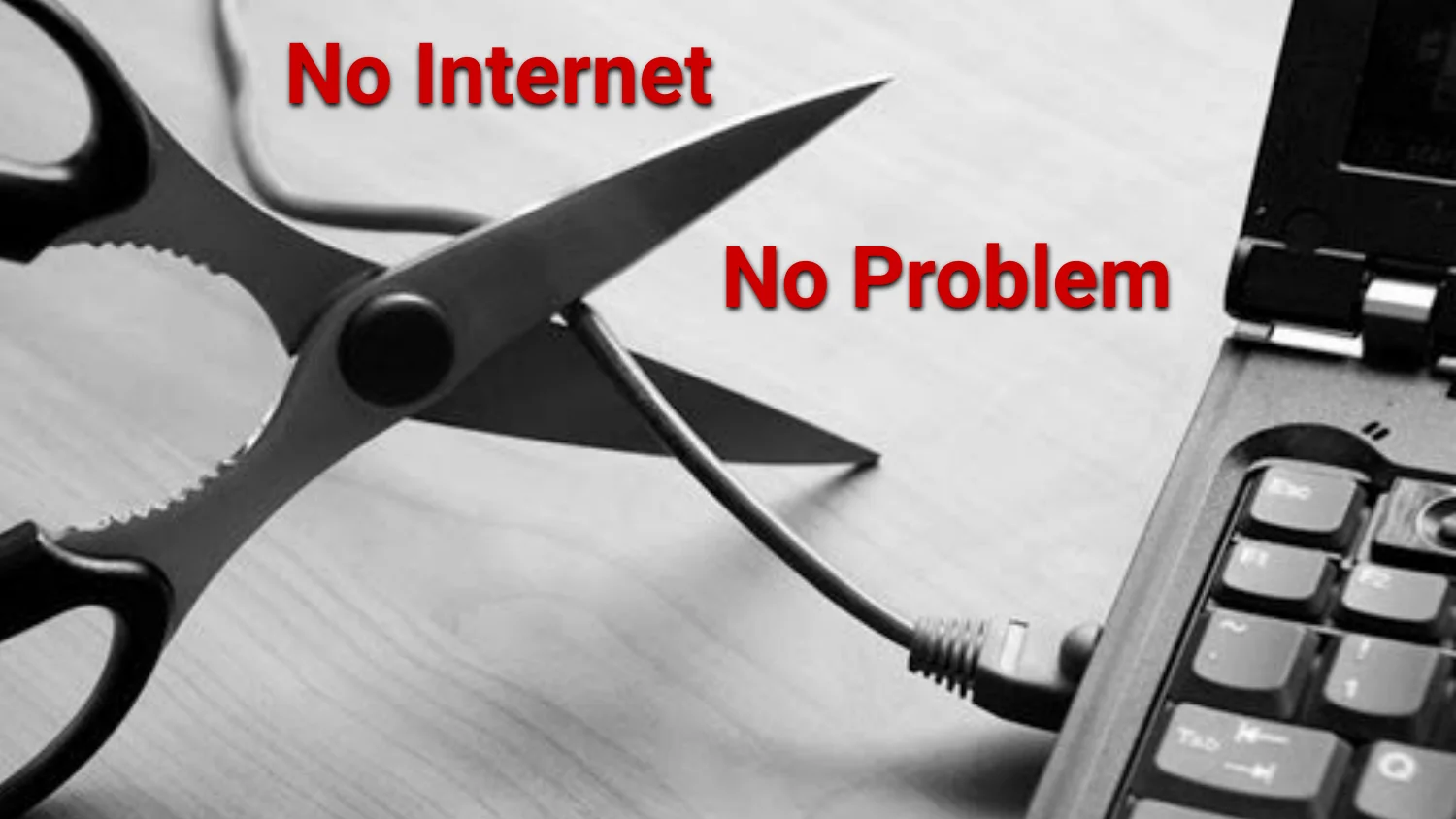
TLDR; Every core smart device in my house does not depend on a vendor’s server. If the internet goes down, everything works (downgraded experience perhaps). It has been my rule for 10 years and it has been challenging to follow. I’ve given two talks about it. Check out each slide by slide.
My Nest integration worked one day until it didn’t. They had changed the api (around the same time Google acquired them). I have a few more examples in these talks that show a samsung fridge and a grill controller that needs wifi to show temperature. I don’t/shouldn’t need wifi and/or vendor service to interact with hardware.
So everything that matters runs on hardware I own. Mostly on Tasmota on esp8266/esp32 boards, MQTT broker, and Node-RED on a Raspberry Pi. I do use some cloud services for enhancements like Alexa and a few AWS ones BUT those are secondary. If the internet is down, the switches all work like normal.
From the first talk:
Added after year five, once more people lived in the house:
I get asked about the the Tasmota sprinkler controller the most as well as the garage door setup. Both have been running for years with no real changes.
Nobody needs any of this. I like building things that just work in the background. Each automation is a small puzzle. Its a hobby.
Everything seems to want to reach out to the cloud. Laptops, phones, etc make sense. However my thermostats and locks… smart devices need to be questioned since they could be critical useful in your home. They may go out of business so be mindful what your signing up.
Many start start with these devices: thermostat, smart plug, smart lock. Each can have its own account and app. Usually people will try to combine devices into the same ecosystem when possible.
Know this triangle: cloud cam is cheap and easy but in exchange for costs you privacy. A smart plug I flash myself takes longer to set up, but I can hook it into anything. Figure out where a device lands before buying it.
This is bad behavior. Don’t tape switches to the on position.
The better fix is an in-wall Wi-Fi switch. It still works like a normal switch and I can automate it. More work to install than a smart plug. Nobody has to change their habits.
Rule one: if the internet goes down, my lights still turn on.
Being agile means willing to understand that changes will come that you must in your system.
A small workflow to keep my garage cool in the summer time. I’ve had to change it multiple times.
I have a reed switch wired up to the tasmota esp32 that controls the garage door with global state. I use grafana to monitor the state changes. I want to know if the garage door was left open so i could get message to me that its been open for too long.
Scheduled triggers on a single pump. Be careful here, automations fighting over one device can happen and has caused me problems. Make it a habit to check every so often.
Broken many of these rules so now i refer to them as guidelines!
Three ways to do “event in, action out.” Node-RED is my main tool. Alexa routines and IFTTT-style applets cover the stuff I don’t want to build myself.
MQTT keeps things decoupled as a pub sub event system. The temperature sensor publishes and doesn’t care who’s listening. So a phone and a backend can both subscribe without the sensor doing anything extra. The sprinkler controller in the Tasmota post works the same way.
A Sonoff Mini fits inside the fireplace wiring, and the dashboard or Alexa can flip it. A fake fire you can turn on by voice is a good party trick.
The whole sprinkler build: the relay and ESP module in the enclosure, the 3D board render, the Tasmota UI with BME280 sensor readings, the Node-RED schedule feeding the pump, and the finished PCB layout. The sprinkler post has the full writeup, including why I picked Tasmota over custom firmware. It’s a bit hacky but I love it :D
Talk one in five lines. The one I break most is the first, don’t introduce a new way while removing the old one, and I regret it every time. The last one stops me from breaking the others for no good reason. “I was in a hurry” doesn’t count.
That was talk one. Most of the “memorable automations” later broke in some new way or got replaced, so there’s a sequel.
Enough time passed between the talks that I had a new list of problems.
More devices means more decisions made without me. It’s a little unsettling but mostly harmless.
Everyone else is dealing with this too from what I can see.
The same rules from talk one (worded a bit tighter).
The rules stayed the same but more were added.
My setup assumed one person lived in the house.
More people meant traffic pattern differences and additional access keys. Also, I would be longer away. So I needed two additional systems water flooding detection and presence detection.
Same joke, new rules.
These are rules 6 to 11 at the top of the post.
Now the builds!
A motor and PVC pipe rig for outdoor lighting, a UV grow light clipped to a houseplant, and a UV strip under the cabinets for sanitizing.
Random automations with a water pump, AirGradient kit, and robot vacuum.
This dashboard replaced more apps than anything else: garage door, side door unlock, front lock, all lights on or off, brightness, a coffee bar color picker, and warm-to-cool for the living room. It’s one cheap tablet next to the thermostat. No one needs an app. Its a physical device everyone can go to if needed.
The lights behind the TV run through the same system instead of their own remote. These lights turn on when the TV comes on. Shuts off at smart times as well.
I do recommend smart locks when you need to have access controls in places other than just keys.
Check out the parts at the end of this post to see what I have used.
The ESP32 D1 mini handles anything custom (it’s cheap). I’ve been able to find smart plugs I can flash with Tasmota. The Raspberry Pi 2 B runs Node-RED and Grafana.
LED strips for ambient lighting, power transistors for higher-current loads, and small relay modules so a microcontroller can switch mains voltage safely.
The rest of the bin: a resistor assortment, color-coded wire so I can trace a circuit later, and a capacitor kit for smoothing and timing.
Node-RED for the logic, Grafana to see what’s happening, Tasmota on anything I flash, Telegram for notifications, and Python or JavaScript for glue code that doesn’t fit in a flow.
My Garage flow today. It’s crazy but it works and gets changed often.
This is the “is everything okay” dashboard: humidity, temperature, dew point, pressure and gas on one side, and energy use, door opens and on-status history on the other. I built it because I got tired of guessing.
Dashboards and Grafana panels work for me. Everyone else in the house just wants the light on.
The “more than one way in” rule in hardware: the wall tablet for whoever is standing there, NFC tags and a QR code to tap, and an Echo Dot for anyone who would rather talk to the house.
The tools I build and debug all of this with.
That’s both talks five years apart. The rules barely changed, just extended. The list of problems kept growing.
A third talk is coming around agentic use cases. The same rules should hold when an AI agent is the one flipping the switches. I expect to add a few more rules in the process.
I shared this post on LinkedIn and Hacker News and asked for the most pointless internet dependency people had found in a device. Summarizations of those thoughts:
Most examples were basic functions locked behind an app, an account, or a server:
The meat thermometer bothers me most. The hardware outlived the company. It stopped working anyway.
Internet connectivity has real cases that are obvious, such as a meat thermometer that lets you watch the game while the steak cooks. Remote access to systems where you really need them such as cameras.
(This section has Amazon affiliate links. If you buy through them, I may earn a small commission at no extra cost to you.)
These are the parts from my home automation builds, grouped by project.
| Gear | Purpose | Buy |
|---|---|---|
| HiLetgo ESP8266 NodeMCU board (3 pack) | Wi-Fi microcontroller that runs Tasmota | Amazon |
| SSD1306 OLED screen | Status display for the sprinkler state | Amazon |
| Inkbird SSR-40DA solid state relay | Switches the 24 VAC sprinkler valve | Amazon |
| BME280 sensor | Temperature, humidity and pressure | Amazon |
| 24 VAC power supply | Powers the sprinkler valve | Amazon |
| Gear | Purpose | Buy |
|---|---|---|
| Martin Jerry smart dimmer switch (Tasmota pre-flashed) | Wall light switch that runs Tasmota out of the box | Amazon |
| Martin Jerry humidity fan switch | Runs the bathroom fan when humidity gets too high | Amazon |
| Sonoff S31 smart plug | Power watchdog for the cable modem | Amazon |
| Serial-to-USB adapter | Connects an ESP8266 to your PC for flashing Tasmota | Amazon |
| Gear | Purpose | Buy |
|---|---|---|
| Raspberry Pi 3 | Runs Docker and the web API | Amazon |
| SunFounder 2-channel 5V relay module | Simulates the button press to toggle the door | Amazon |
| LiftMaster wired control panel (78LM, replaces the 41A5273-1) | Bypasses the anti-tamper wiring | Amazon |
| Gear | Purpose | Buy |
|---|---|---|
| GL.iNet Flint 2 router (GL-MT6000) | Runs OpenWrt and an MQTT broker locally | Amazon |
| Cheap tablet | Mounted on the wall as the dashboard | Amazon |
| Lefant robot vacuum | Cleans the floors | Amazon |
docodethatmatters.com solo muestra el principio de este artículo. Sigue en docodethatmatters.com
Texto de docodethatmatters.com tal como lo publicó, leído de su página y mostrado aquí con el formato de El Autómata. El original, en docodethatmatters.com · Volver a la noticia de El Autómata